
Quests
Quests are adventures your teacher creates for you. Each quest is a visual map with objectives to complete — like tasks, quizzes, and story nodes. You progress through the map at your own pace, unlocking new objectives and earning rewards along the way.
Note: Not all classes use quests. If your teacher hasn't created any, you won't see the quest option.
Finding Your Quests
- Click the quest icon on your dashboard
- You'll see a list of all active quests
- Each quest shows its name and how many objectives you've completed
- Click on a quest to open its map
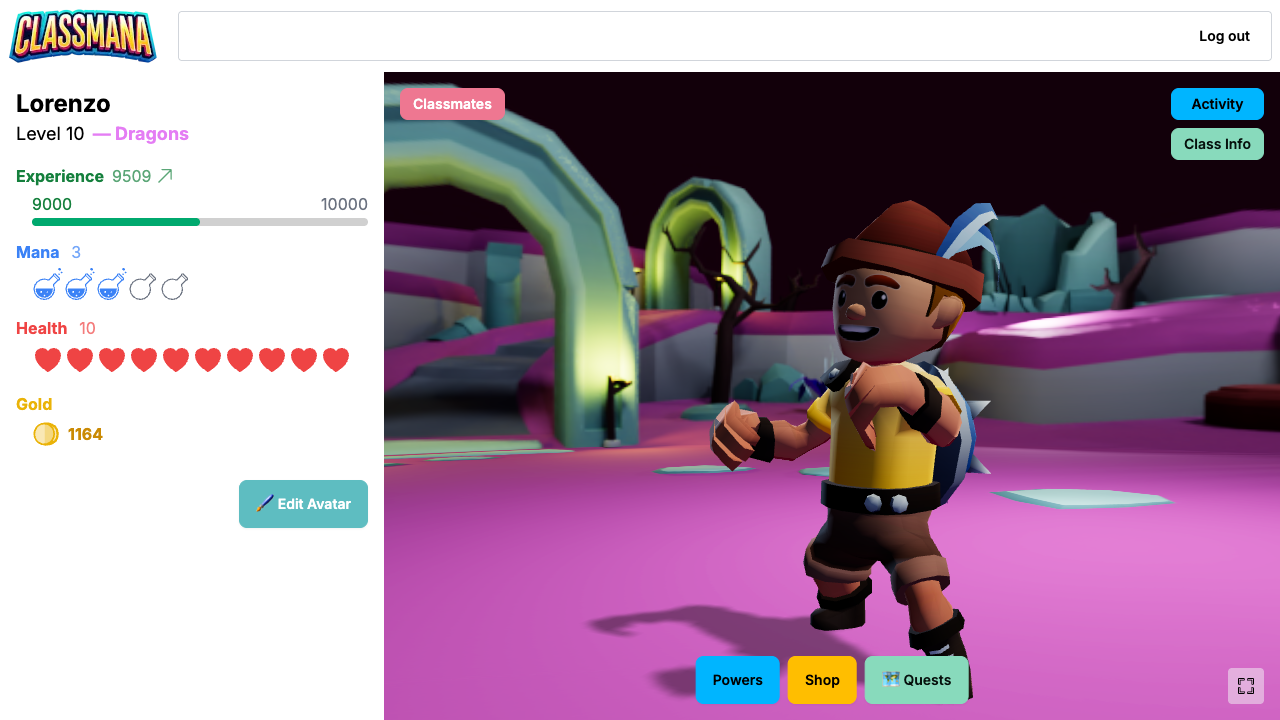
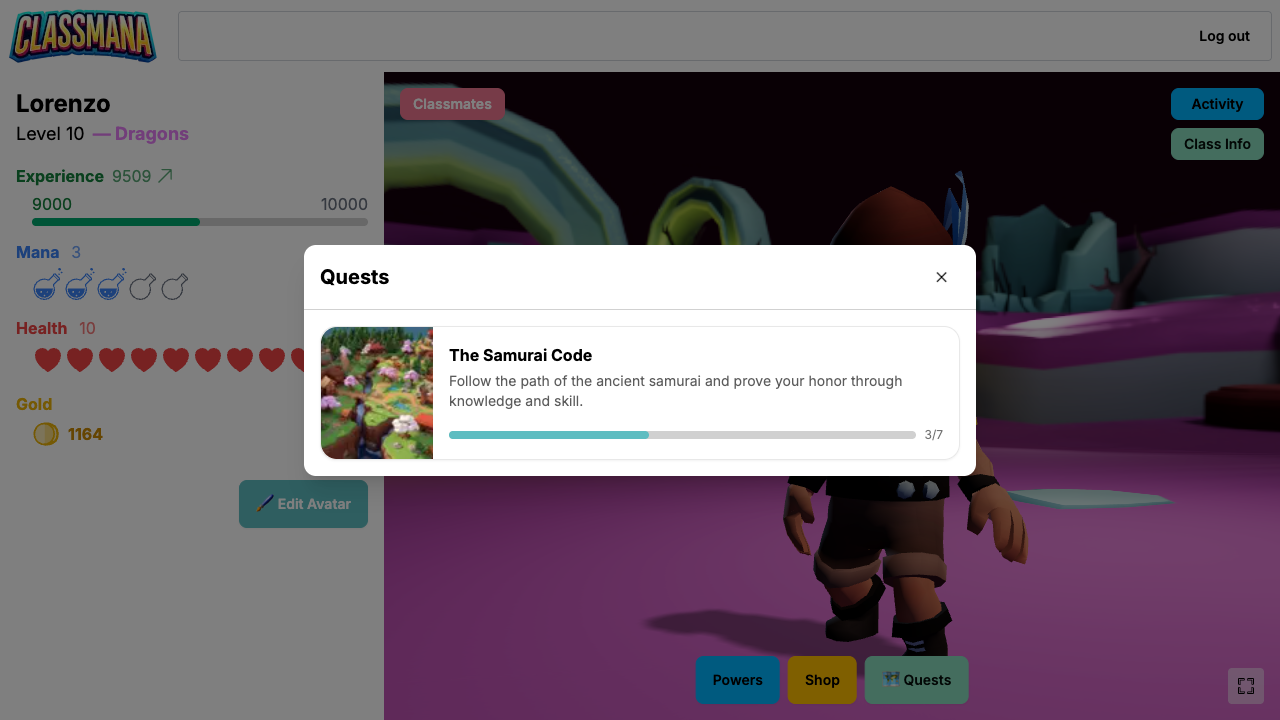
If there are no quests available, you'll see a message saying "No active quests right now. Check back later!"
Understanding the Quest Map
When you open a quest, you'll see a full-screen map with objectives (nodes) connected by paths. Each objective is color-coded to show your progress:
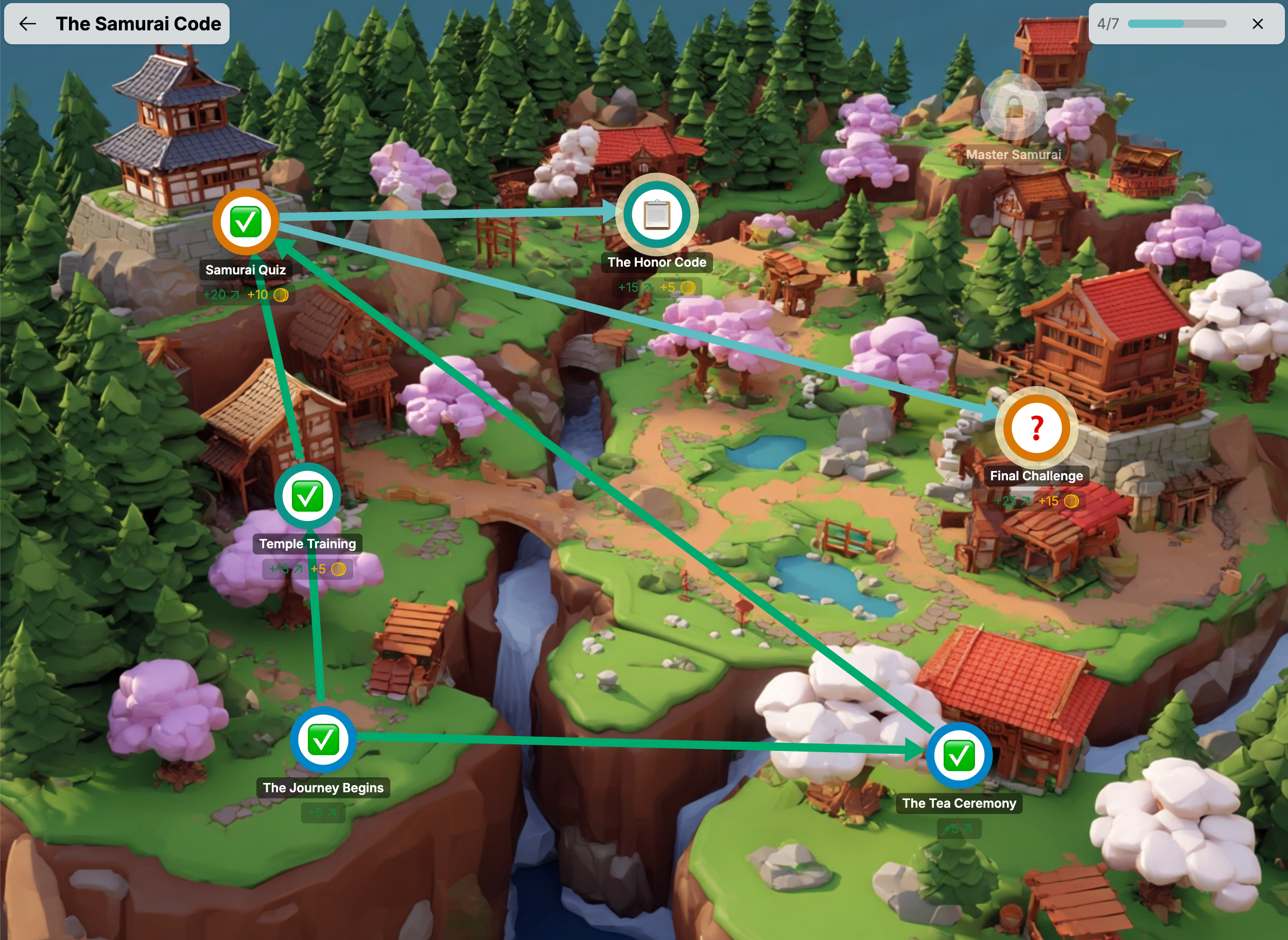
- Locked (gray) — You can't interact with this yet. Complete earlier objectives first to unlock it.
- Available (blue) — Ready for you! Click on it to see what to do.
- Pending (orange) — You've submitted it and are waiting for your teacher to approve it.
- Completed (green) — Done! Great work.
The paths between objectives show you which ones you need to finish before the next ones unlock. Sometimes paths branch — meaning you have multiple options to work on at the same time. Other times paths converge — meaning you need to finish several objectives before the next one unlocks.
Start at the Top
Objectives with no path leading into them are your starting points — they're available right away when you begin the quest.
Completing Objectives
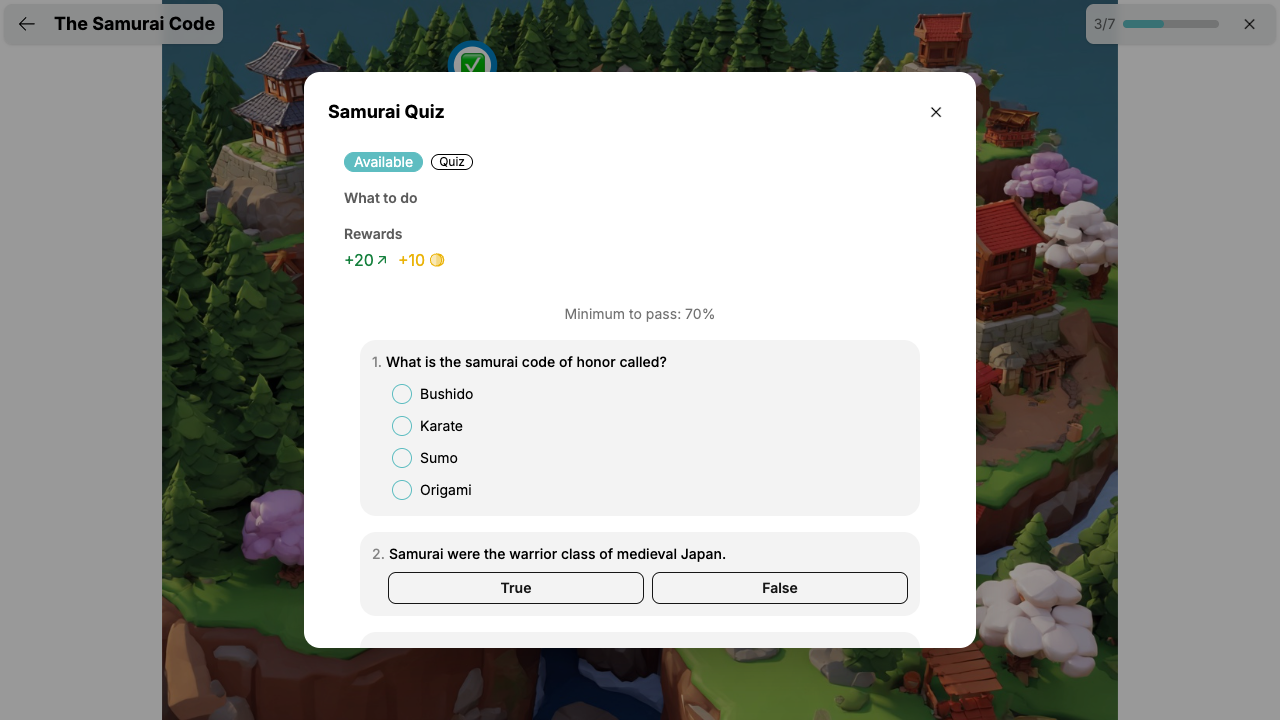
Click on any available objective to see its details. Depending on the type, you'll interact with it differently.
Task Objectives
Tasks are assignments or activities your teacher wants you to complete. After doing the work, you'll either:
- Mark as Complete — If your teacher allows self-reporting, click this button and the objective is done right away. Rewards are given instantly.
- Submit for Approval — If your teacher needs to review your work first, click this button. The objective will show as Pending until your teacher approves it.
Waiting for Approval
When an objective is pending, your teacher will review your work. Once approved, the objective turns green and you earn your rewards. Just be patient!
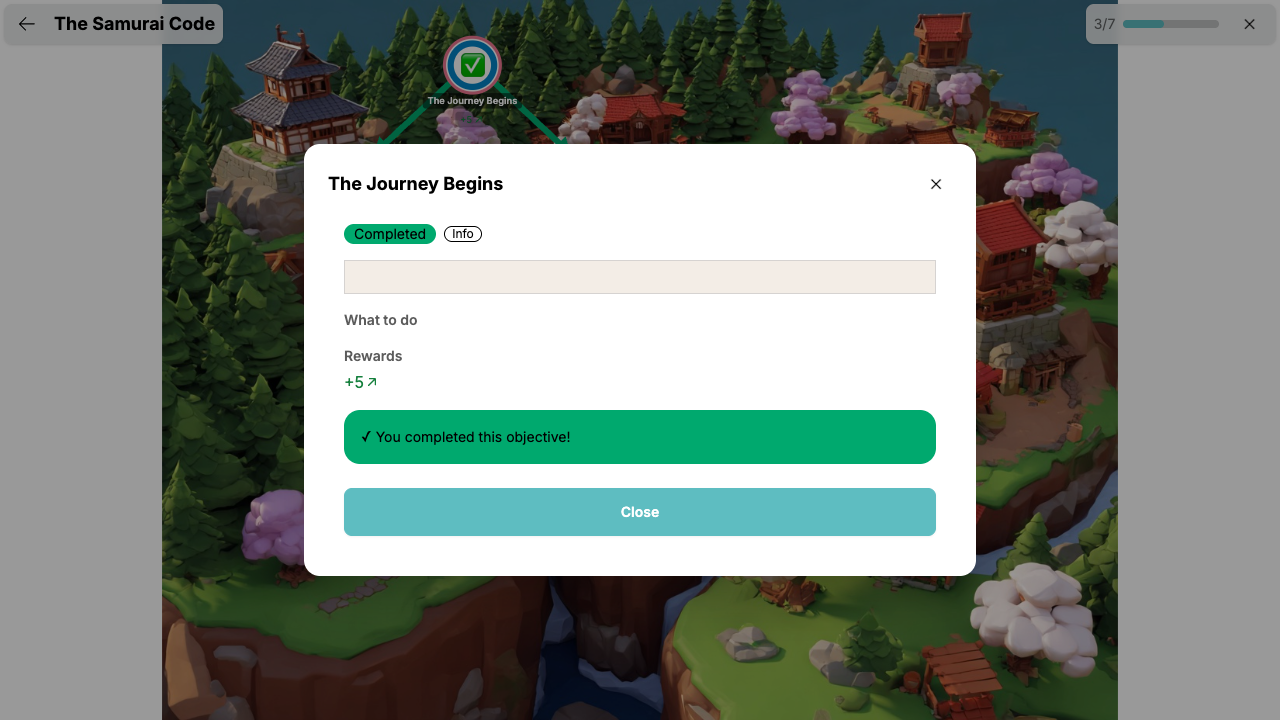
Info Objectives
Info objectives are story nodes. They give you context, instructions, or advance the quest narrative. There's nothing extra you need to do — just read the content.
Quiz Objectives
Quiz objectives contain questions you need to answer. See the next section for details on how quizzes work.
Taking Quizzes
Some objectives are quizzes that are graded automatically — no need to wait for your teacher.
How to Take a Quiz
- Click on the quiz objective
- Read each question carefully
- Answer all questions:
- Multiple choice — Pick one answer
- True/False — Choose True or False
- Text answer — Type your answer (capitalization doesn't matter)
- Select all that apply — Check all correct answers
- Put in order — Arrange the items in the correct sequence
- Click "Submit Quiz"
Quiz Results
After submitting, you'll see your results right away:
- Your score as a percentage
- Which questions you got correct or incorrect
- Feedback from your teacher on specific questions (if provided)
Passing and Retrying
Each quiz has a minimum score to pass (your teacher sets this). If you:
- Pass — The objective is completed and you earn your rewards!
- Don't pass, but retries are allowed — Click "Try Again" to attempt the quiz again. Keep trying until you pass!
- Don't pass, and no retries — The quiz is locked. No more attempts are available.
Take Your Time
Read each question carefully before answering. There's no time limit, so don't rush!
Earning Rewards
Completing objectives earns you rewards! Depending on what your teacher has set up, you can earn:
- Experience — Helps you level up
- Gold — Spend it in the shop
- Mana — Use it to cast powers
- Health — Restores lost health
Each objective can give different amounts. Check the Rewards section when you click on an objective to see what you'll earn.
Quest Completion Bonus
When you complete all objectives in a quest, you may receive a bonus reward on top of everything you earned along the way. Finish the whole quest to get the most out of it!
Tips for Success
- Check your quests regularly — Your teacher may add new quests at any time
- Follow the paths — Complete objectives in order to unlock new ones
- Read the story — Many quests have narratives that make the adventure more fun
- Don't give up on quizzes — If retries are allowed, learn from your mistakes and try again
- Work at your own pace — There's no rush. Everyone progresses on their own timeline